
Images
This page documents a few steps that should be considered when working with images.
File size
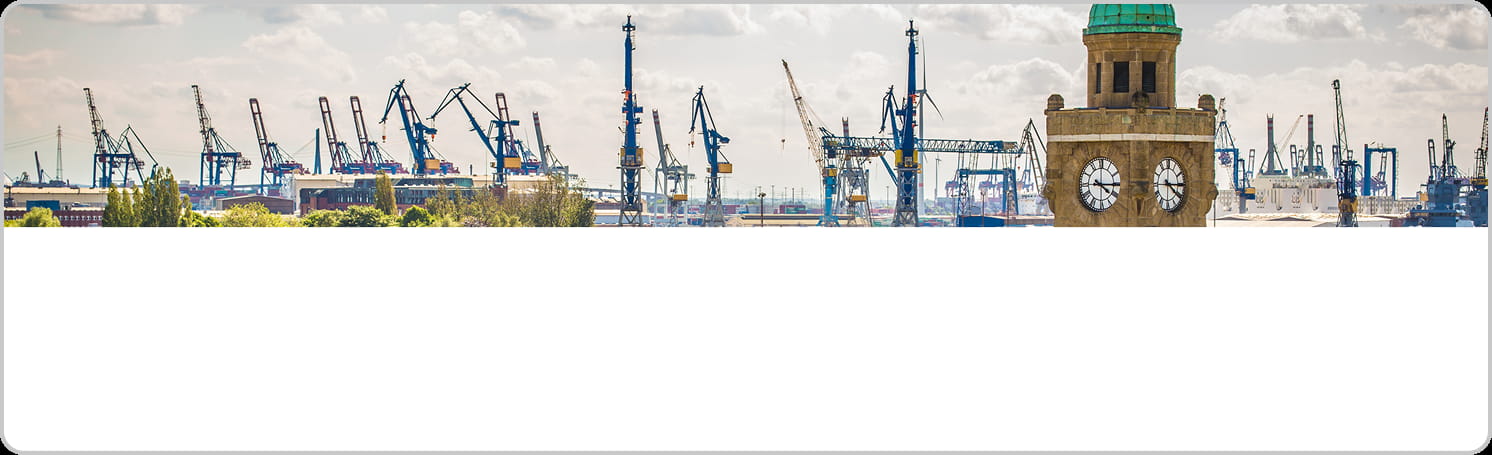
File size not optimized: Content loads slowly.
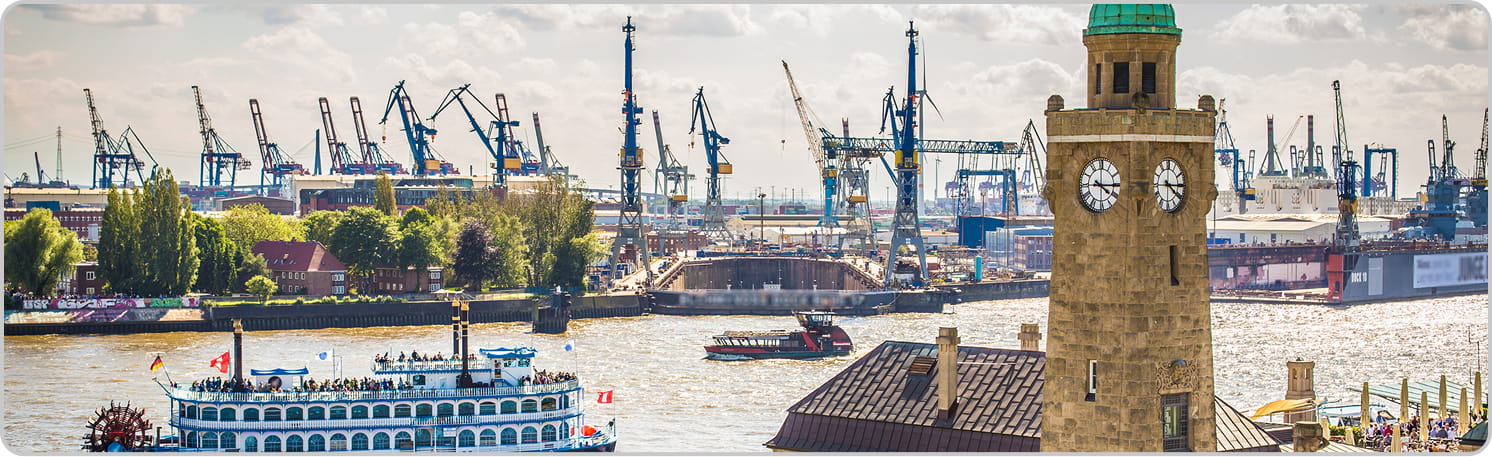
Optimized file size: Content loads faster.*
High resolution

Saved in the same resolution as it is displayed: The image looks pixelated.

Saved 2x the resolution and scaled down with CSS: The image looks crisp.
Brand

Try to avoid stock images. They feel generic.

Keep images on brand and unique to the product.
GIF vs. Image

Studies show that GIFs/Animations can cause negative reactions by the users (distracting, annoying etc.).*
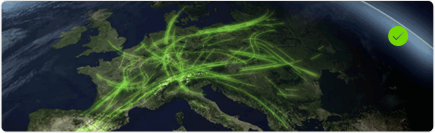
Try to stick to static images.
Alt text

Not accessible - Screen readers can make little sense of this element for the user.
Accessible - Write alt text that briefly and clearly describes the essential content and purpose of the image, focusing on what’s important for someone who can’t see it.